Connecting to Clever via Wi-Fi
===
[RPi image](image.md) provides a pre-configured Wi-Fi access point from SSID `CLEVER-xxxx`, where xxxx are the four random numbers that are assigned when your Raspberry Pi is run for the first time.
Connect to Wi-Fi, using the password: `cleverwifi`.
 To edit the Wi-Fi settings, or to obtain more detailed information about the network device on Raspberry Pi, read this [article](network.md).
## Web interface
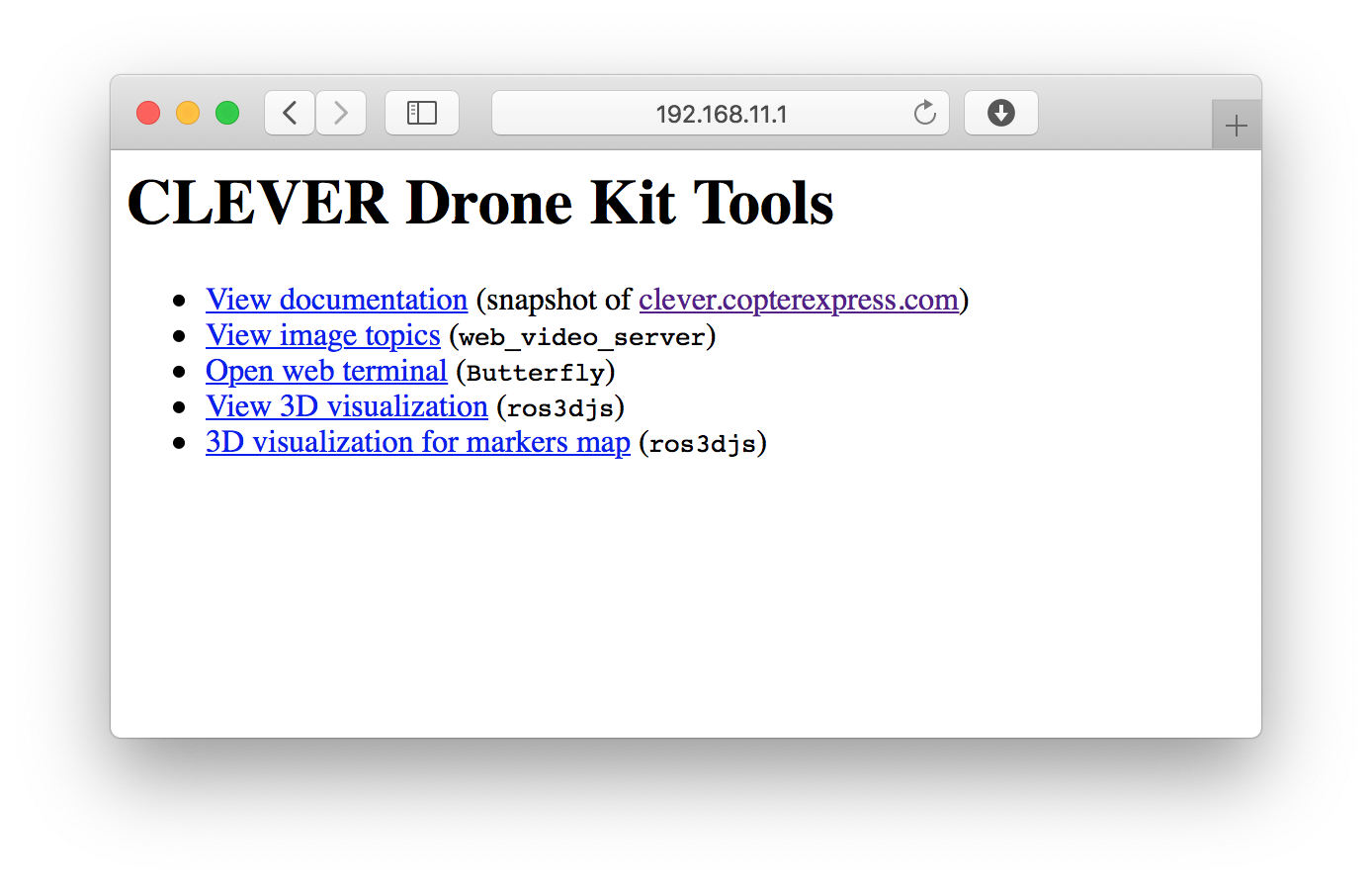
After connecting to Clever Wi-Fi, point http://192.168.11.1 in you web browser. It contains all the basic web tools of Clever: viewing image topics, web terminal (Butterfly), and the full copy of this documentation.
To edit the Wi-Fi settings, or to obtain more detailed information about the network device on Raspberry Pi, read this [article](network.md).
## Web interface
After connecting to Clever Wi-Fi, point http://192.168.11.1 in you web browser. It contains all the basic web tools of Clever: viewing image topics, web terminal (Butterfly), and the full copy of this documentation.
 **Next**: [Using QGroundControl via Wi-Fi](gcs_bridge.md).